
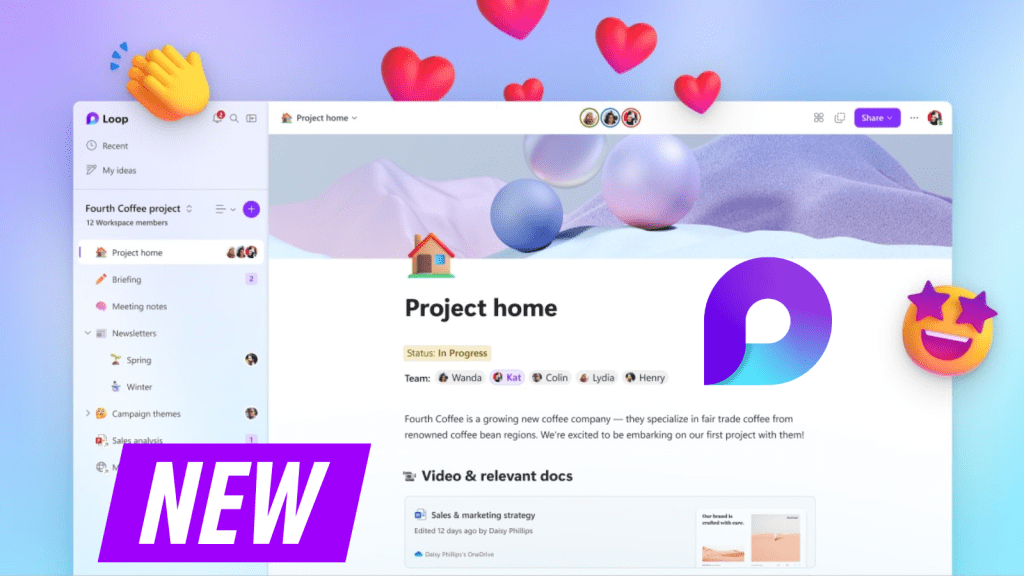
In the ever-evolving digital landscape, Microsoft continues to foster an environment of seamless collaboration with the launch of its new app, Microsoft Loop. According to a recent blog post by Microsoft, this innovative tool is now available for public preview. Designed to adapt to the fluidity of our creative processes, Loop is about people and their ability to co-create with ease, irrespective of their location or preferred tools.
Microsoft Loop is poised to redefine how teams collaborate, amalgamating teams, content, and tasks across various tools and devices. This transformative co-creation experience is built around three key components: components, workspaces, and pages, all conveniently accessible through the new Loop app. This tool organizes everything a team needs for a project into a single workspace, simplifying the daunting task of keeping track of multiple files, documents, and links.
One of the inherent challenges of any project is its evolution over time. Microsoft Loop’s flexible workspaces empower teams to keep pace, allowing them to structure their workspace in a way that suits them best. The insert menu puts everything you need at your fingertips, from images to checklists, all integrated to maintain the flow of your work. Loop’s ability to decompose information enables sharing precise parts with specific people, thereby promoting efficient collaboration.
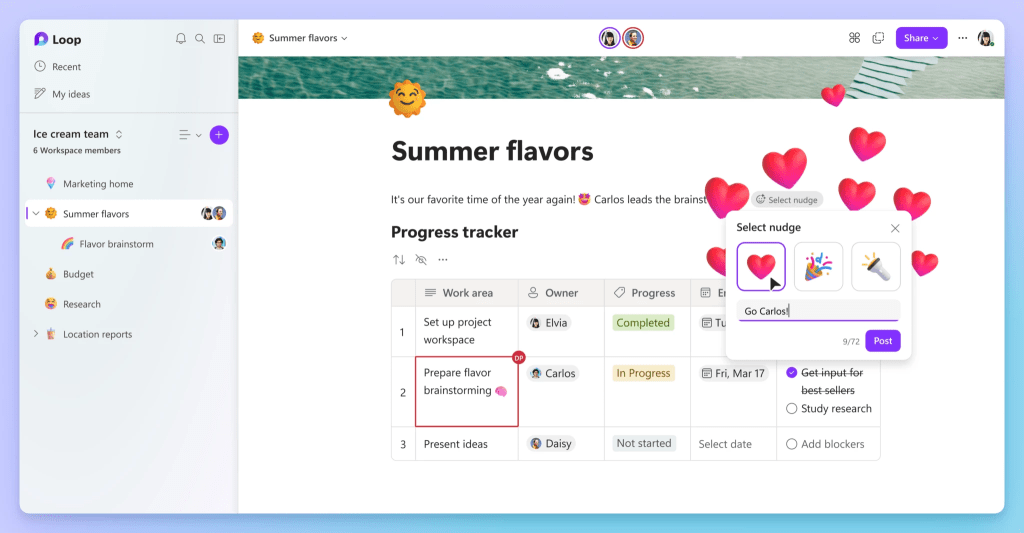
With fast-paced projects and dynamic workstreams, staying informed and keeping track of everything can be taxing. Microsoft Loop addresses this problem by offering features like progress trackers and custom labels that help keep your team aligned. Tasks assigned in the Loop app sync across Microsoft Planner and To Do, ensuring you always have an up-to-date list of tasks.
Notifications are essential for managing time and attention in the flow of work, and Microsoft Loop understands this well. The notification feed in the Loop app keeps track of your mentions, assigned tasks, and replies, making it easy to stay updated and respond promptly. Loop’s integration with Microsoft 365 means that when you create Loop components, the same security and permission settings that apply to Word, Excel, and PowerPoint will apply to them as well.
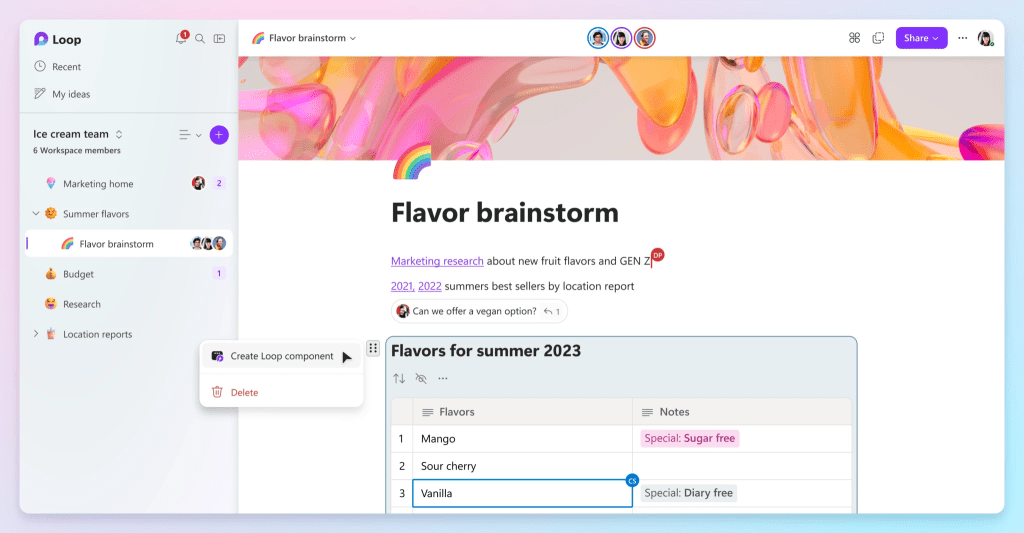
Microsoft Loop doesn’t stop at providing flexibility in terms of devices either. Whether you’re transitioning from your desk to your couch, or traveling farther, the Microsoft Loop mobile app ensures that you can continue co-creating wherever you are. Loop’s potential doesn’t end here. Microsoft plans to roll out new capabilities to further enhance co-creation, including the integration of Microsoft 365 Copilot—your AI-powered assistant for work.
 Xylo News